
Frontro Live
Frontro Live is an interactive stage for you and invited guests, a low-latency stream for your audience, plus chat, reactions, gifting, and live shopping in one room.
Creating a session
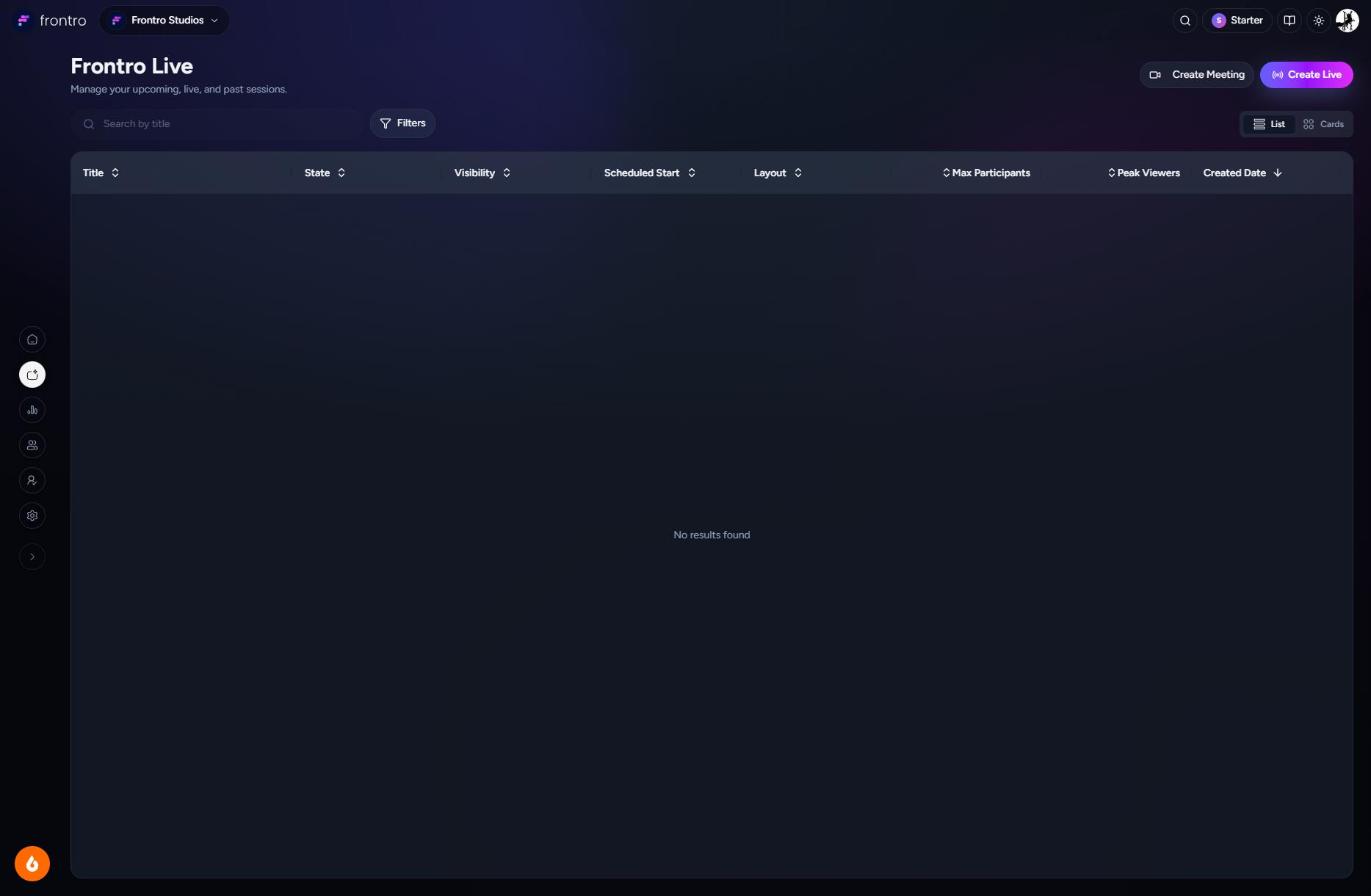
Getting started is simple. Click Create Meeting or Create Live and your session is ready instantly. No lengthy setup, no forms to fill out first.
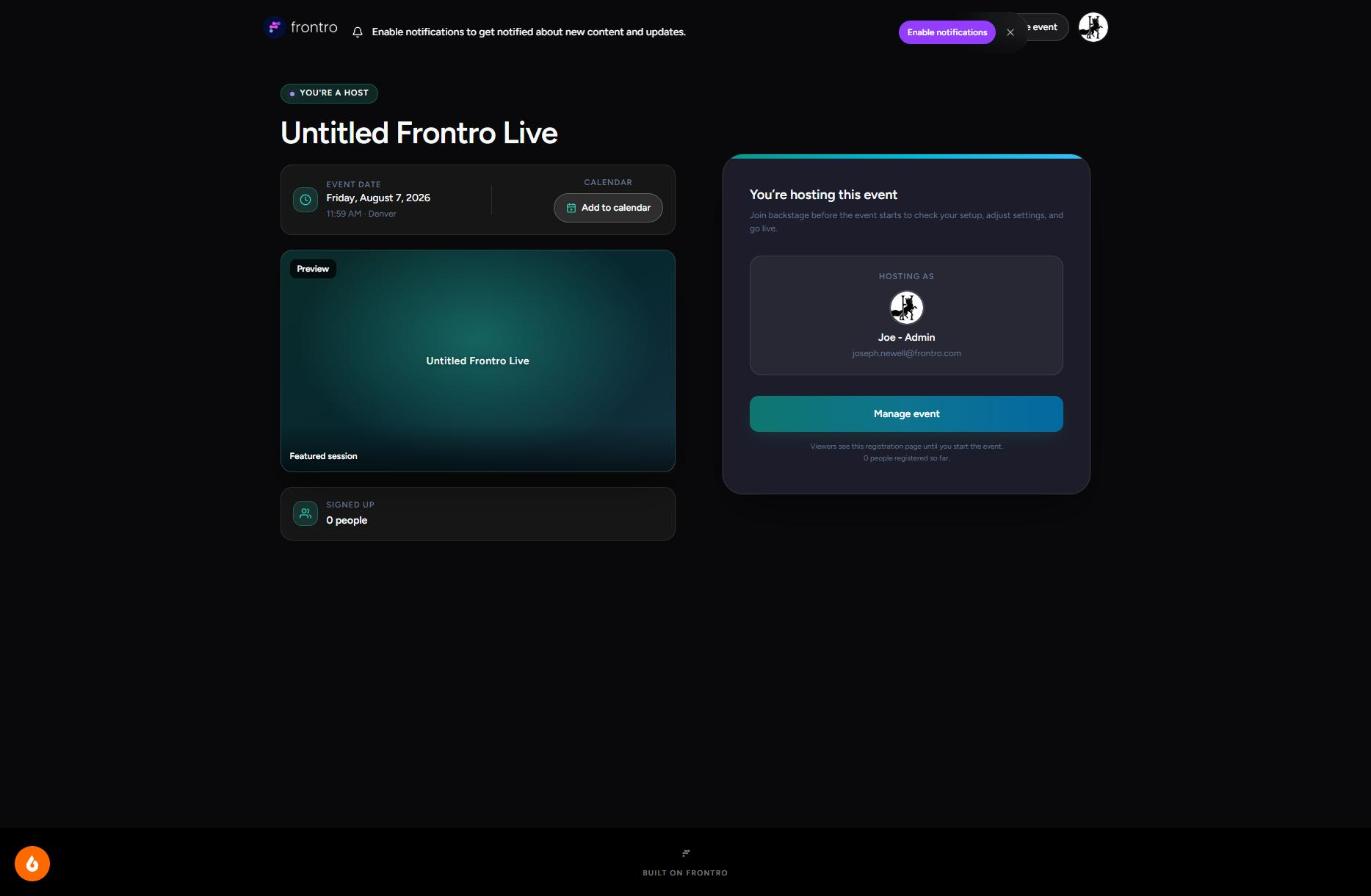
You'll land on your session's home page, where you can see who's signed up and manage everything about it.
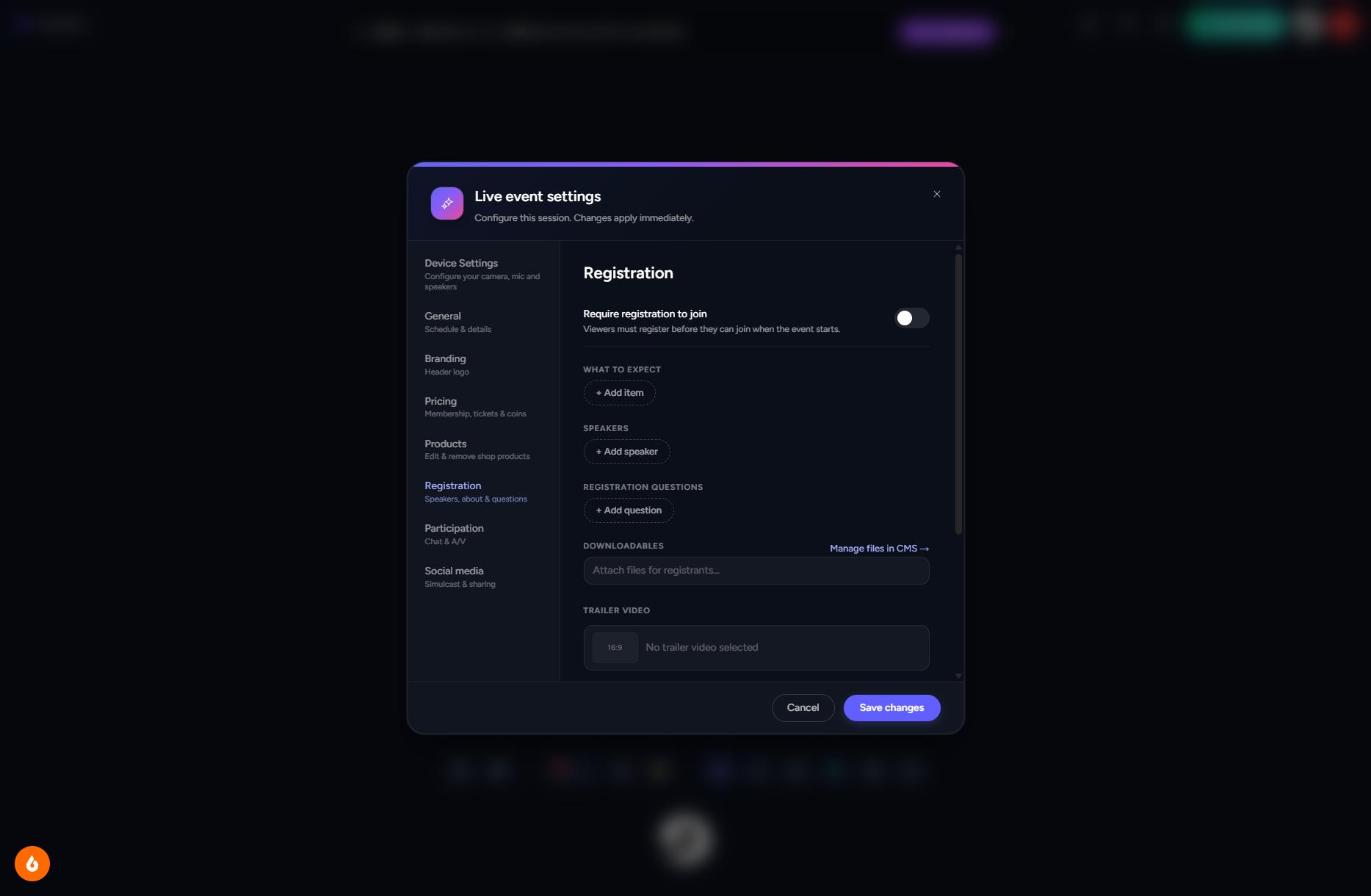
From there, click Manage event to make it your own: set up your camera and audio, add branding, decide who can join and how, feature products to sell, and choose where to stream. Changes save as you go, so you're free to fine-tune right up until you go live.
Running into trouble getting a session set up? Reach out to Support.
Going live
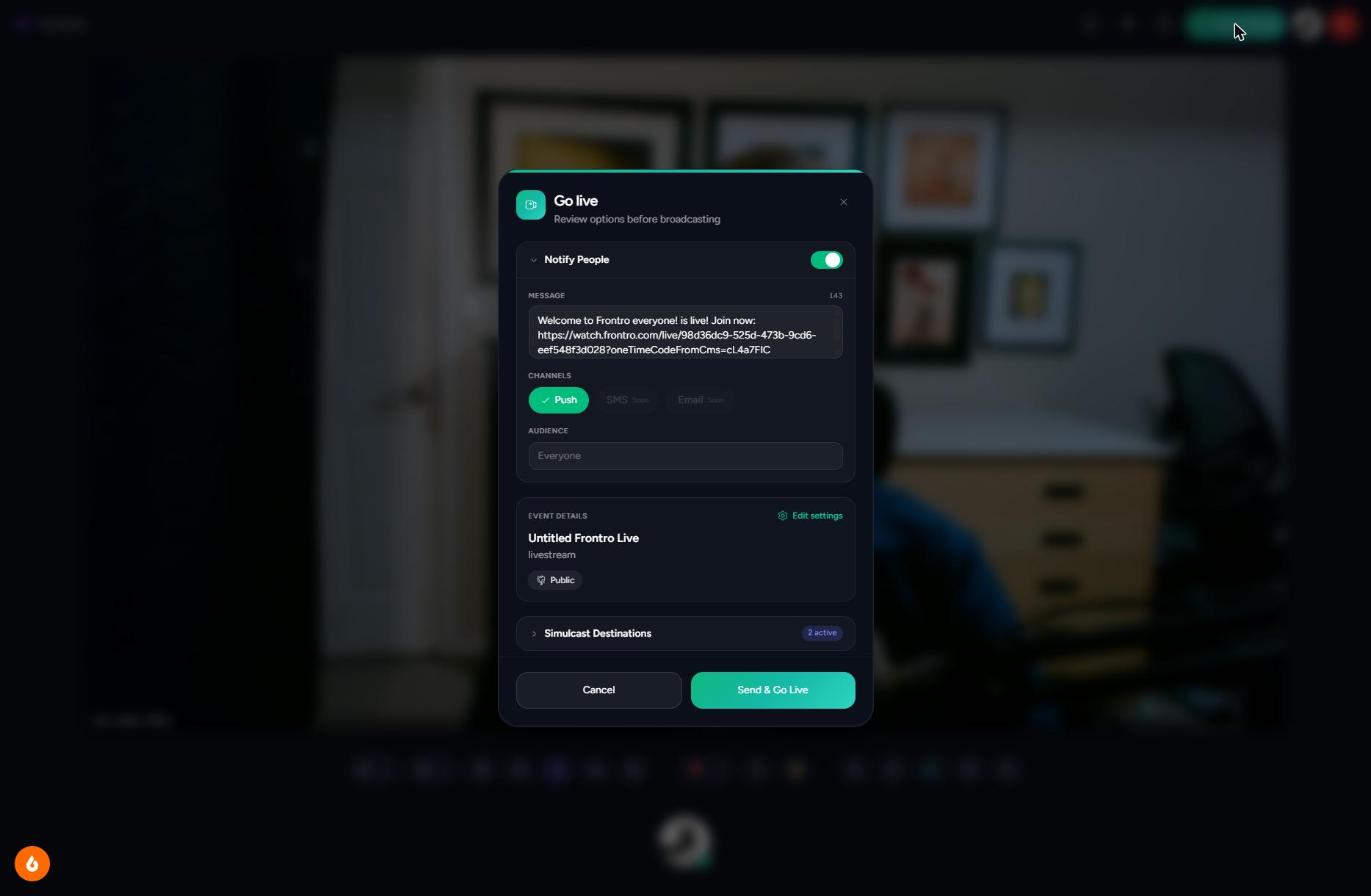
When you're ready, click Start Stream to review your session details, let your audience know you're going live, and pick where else to stream. Click Go live and you're on the air.
Hosting a live session
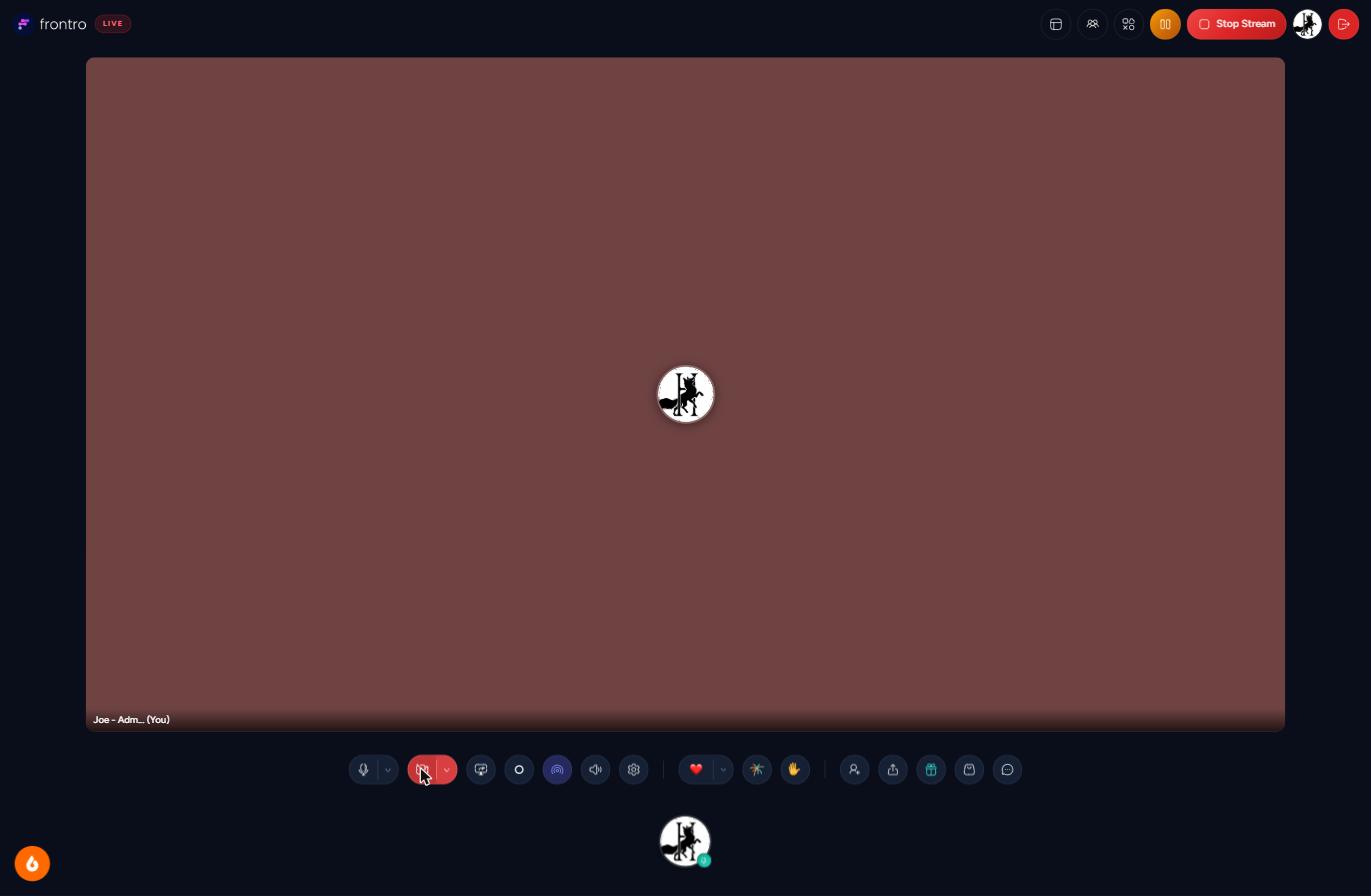
Once you're live, everything you need is right there in the toolbar: switch layouts, manage who's on stage, launch polls and countdowns, chat with your audience, and take gifts and shop orders, all without missing a beat.
Ending a session
When you're ready to wrap up, click Stop Stream to end the broadcast for everyone right away.
Post-live summary
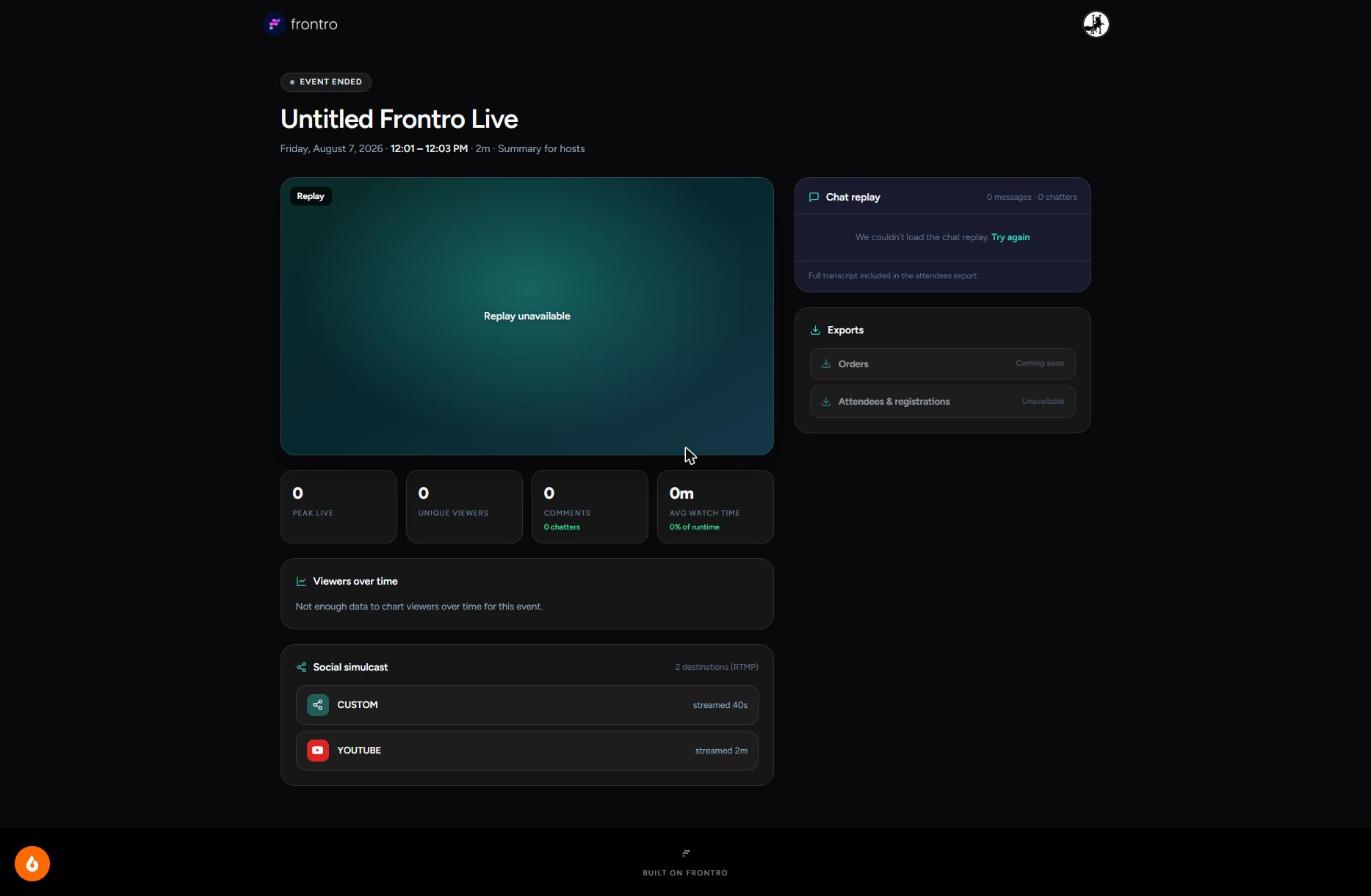
After you end a session, the event page becomes your wrap-up: your replay, chat history, and how the session performed, all in one place.
Plan limits
Session limits are tied to your Frontro plan (see Billing). The Starter plan ("Go live and find your room," free) includes: up to 100 concurrent viewers, up to 30 minutes per session, 720p streaming, Frontro branding on the stream, and 100GB included then metered overage.
Related documentation
- Analytics: dedicated Frontro Live analytics tab (coming soon)
- Billing for plan limits
- Memberships and Purchases for access gating a session
- Gifting for in-session tips