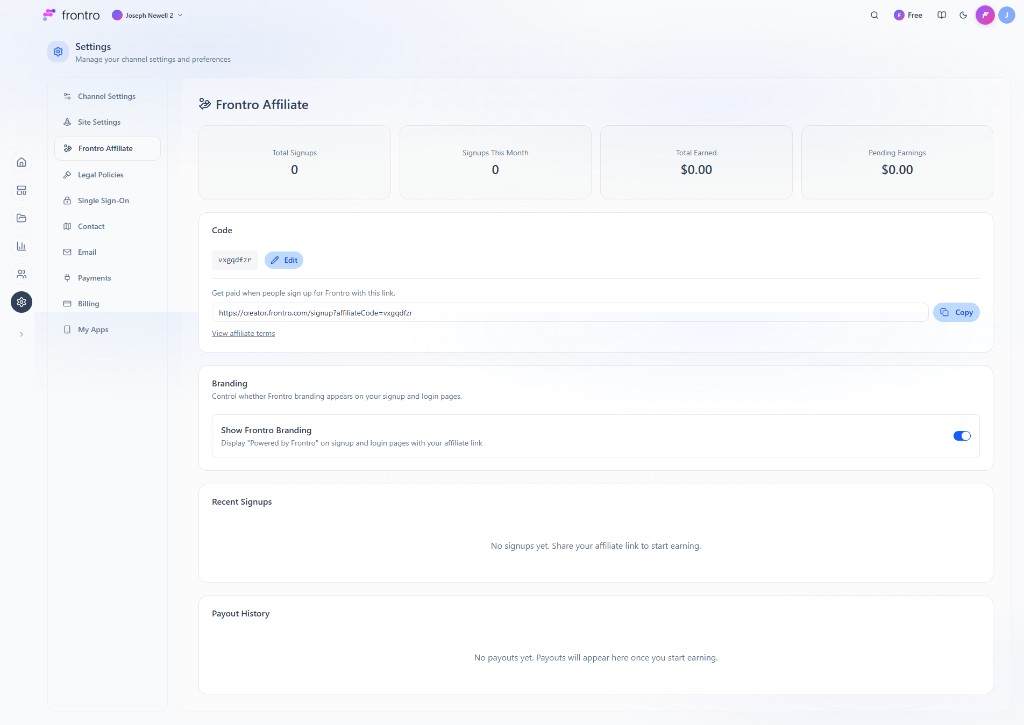
Channel Settings
Configure your channel identity and affiliate options in Settings → Channel Settings.
Channel Details
- Channel ID — Read-only; use the copy icon to copy it.
- Channel Display Name — Required. The public name shown across your site and apps.
Welcome Page
The Welcome page (title, message, channel trailer, testimonials, additional details) is managed in the Builder. Use Manage Welcome Page in Builder to open it.
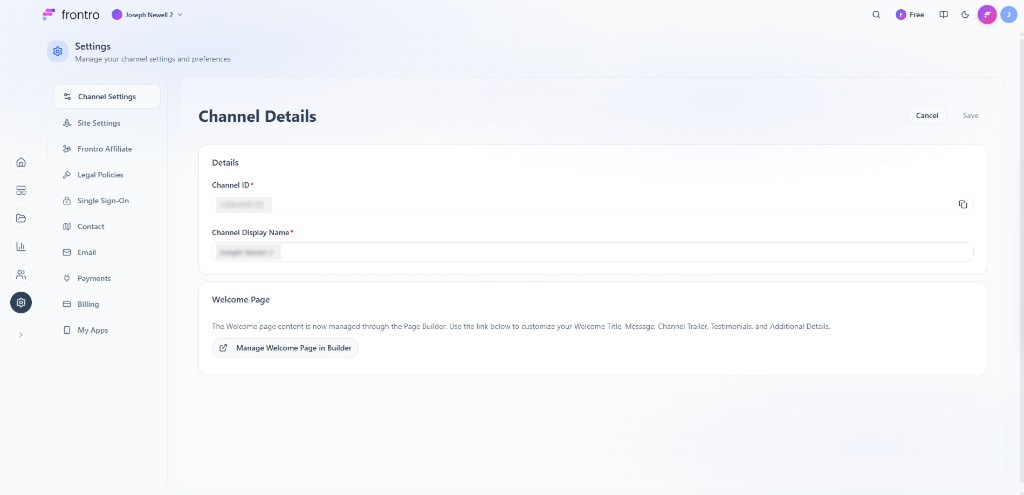
Frontro Affiliate
Code — Get paid when people sign up for Frontro with your link. Affiliate Code (editable) and Affiliate Link (copy). Link to affiliate terms.
Branding — Show Frontro Branding toggle to show “Powered by Frontro” on signup and login pages with your affiliate link.
Recent Signups and Payout History — Shown when you have signups or payouts (Total Signups, Signups This Month, Total Earned, Pending Earnings).